
A calm everyday app that keeps your data with you.
Calendar, tasks, finances and passwords in one app for PC and Android. No account, no cloud.
Open sourcefreeno cloud
Show checksums (SHA-256)
- Nemo-Portable.exe
f4e4c5297c7bfc4f36ea0ef38a606a0904c6bce4a2abf34b727bfa0c0efa700b- Nemo.apk
eb500fc68d0f8de035ba0626eaea1c53dbe6a970a684033b0ace67a6fee4e949
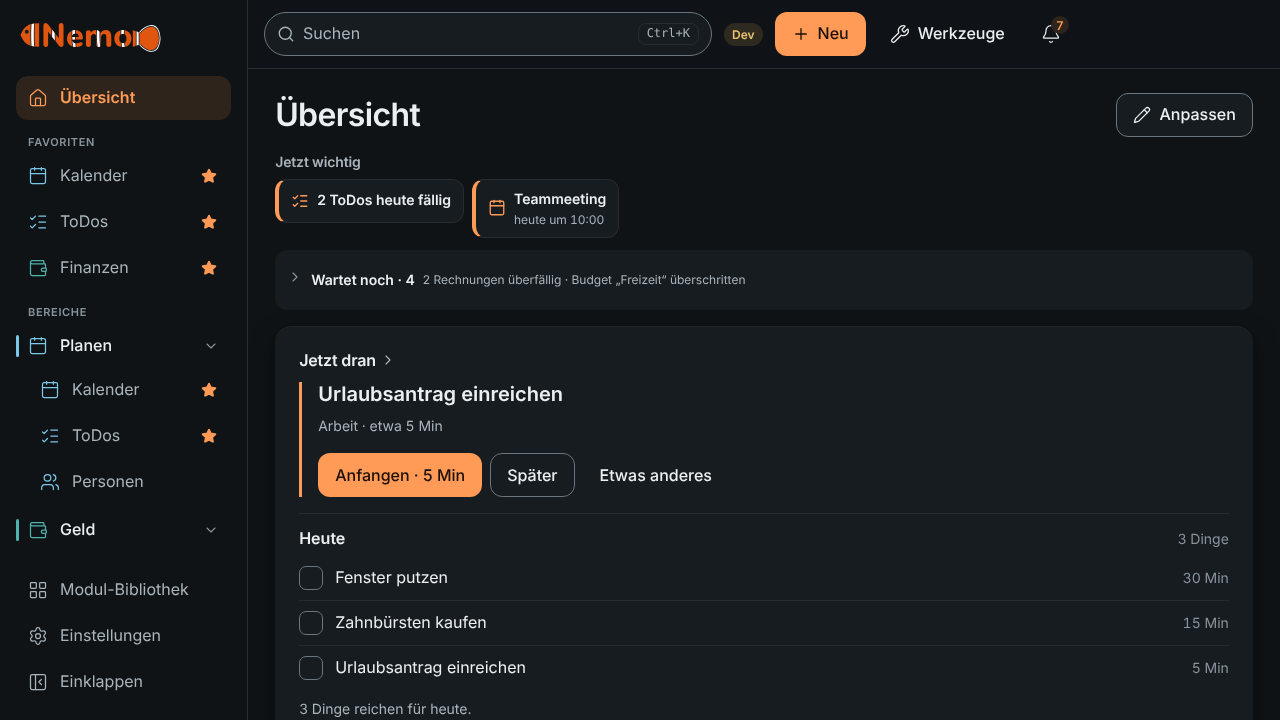
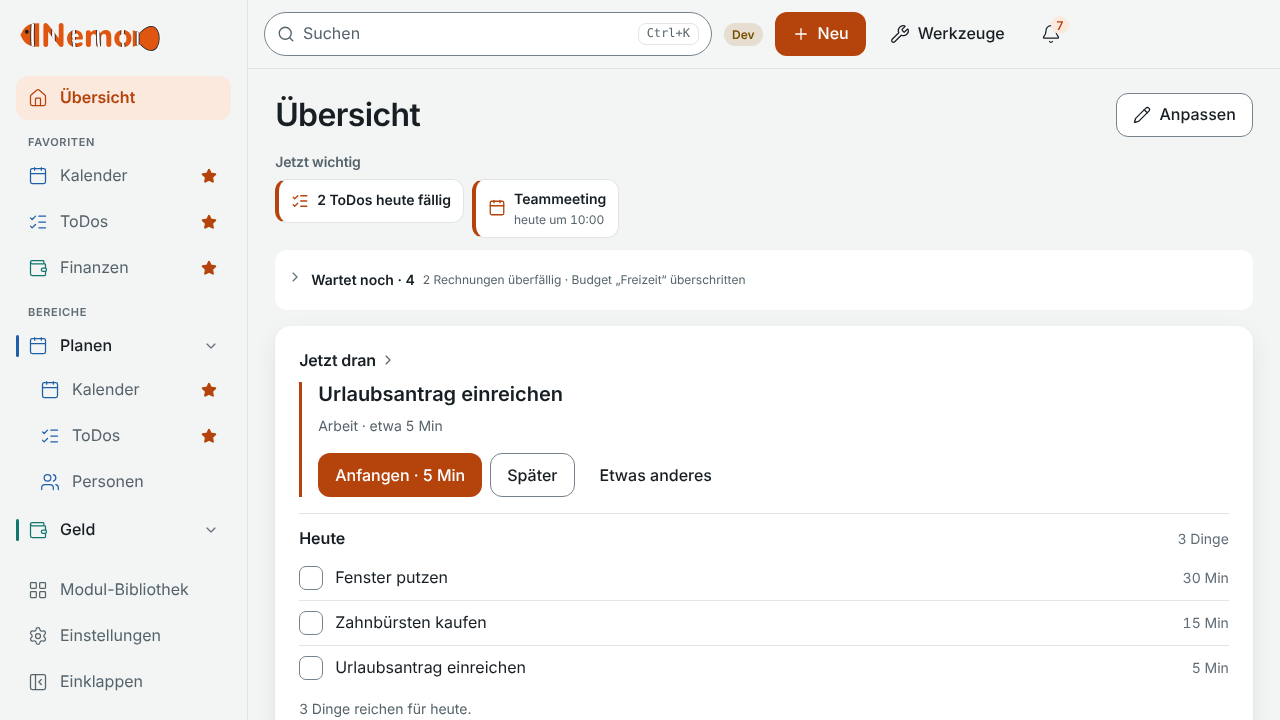
What Nemo does
Everyday things, in one place.
Calendar
Appointments, reminders and deadlines from other modules in one week view.
Tasks
Lists, subtasks, repetition and a “someday”.
Finances & subscriptions
Accounts, transactions, invoices and subscriptions, with bank statement import.
Reminders
Calm and bundled if you like, even when the app is closed.
Password vault
Encrypted on the device, with TOTP and a generator. Invisible to AI.
Messages
A calm chat with a local model or a provider of your choice.
Clean up your PC
Analyse disk space and tidy up safely, always via the recycle bin first.
AI, only if you want it
Answers questions without sending your data. Works offline.
Why Nemo
Made for days when everything calls at once.
Your data stays with you
Everything lives on your device. No account, no server of ours. Sync only if you run it yourself.
Calm and clear
One main action per view, little colour, no streaks and no pressure. Developed with ADHD in mind.
AI optional, offline too
The assistant never sees your entries, only your question. With a local model it works without internet.
Install
Ready in a minute.
Windows: one file, no installation
Run the file, done. The first time, SmartScreen asks: “More info” → “Run anyway”. The exe has no purchased certificate; updates are still signed and verified before they are applied. It needs WebView2, which Windows 10 and 11 usually have.
Android: install the APK
Open the APK and allow “Install from this source” for your browser or file manager. Later updates are downloaded by the app itself and checksum-verified; Android only accepts APKs with the same signing key.
Updates arrive in the app
Settings → App updates. Before each update Nemo makes a backup and verifies the project’s signature. You decide when.
Dev preview (untested)
Every state of the development branch automatically produces a preview. It is a separate app “Nemo Dev” with its own data, untested and not meant for daily use. It does not replace the stable app.
Support
Nemo stays free.
If you like, give something once via Ko-fi. As a thank-you you get a supporter code for a “thanks” badge and extra colour themes. Every feature stays open to everyone, without an account and without tracking.